Skip to content
View in the app

A better way to browse. Learn more.

Cheers & Gears

A full-screen app on your home screen with push notifications, badges and more.

To install this app on iOS and iPadOS
  1. Tap the Share icon in Safari
  2. Scroll the menu and tap Add to Home Screen.
  3. Tap Add in the top-right corner.
To install this app on Android
  1. Tap the 3-dot menu (⋮) in the top-right corner of the browser.
  2. Tap Add to Home screen or Install app.
  3. Confirm by tapping Install.

Chrysler Puts A Hold On Their Dual Clutch Transmission

gallery_10485_267_698333.png

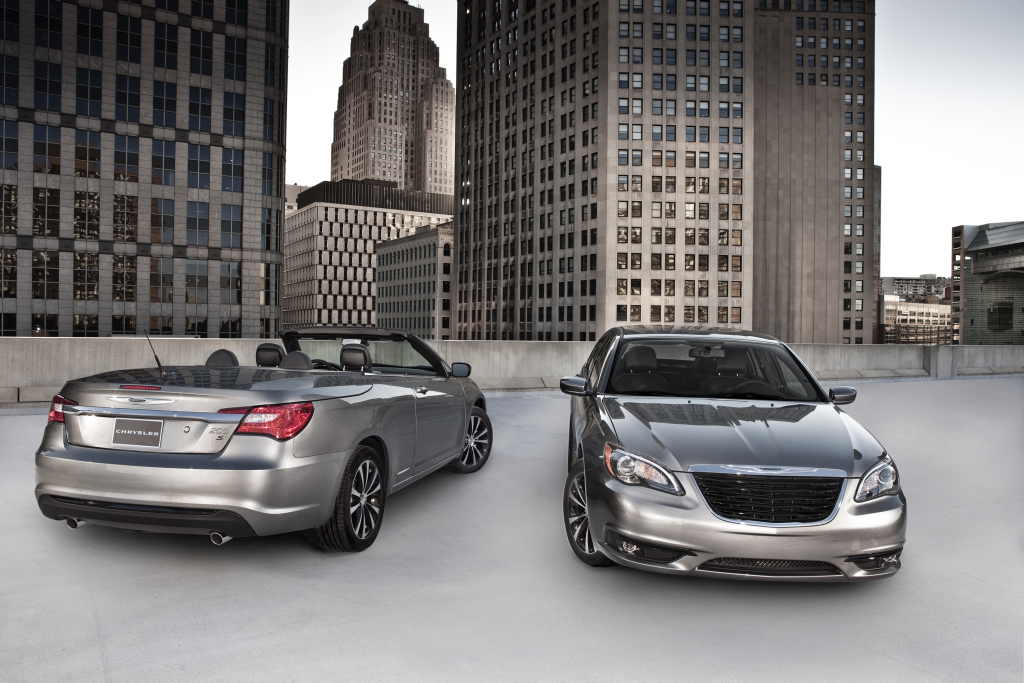
Last year, Chrysler announced that the 2012 Chrysler 200 and Dodge Avenger would be equipped with a six-speed dual-clutch automatic transmission from parent company Fiat. One year later, Chrysler has dropped the idea to put a dual-clutch transmission for now.

"We were concerned about the refinement and how the American customers might perceive the transmission," said Chrysler Spokesperson, Vince Muniga.

Muniga also said the decision was made in the summer and will "look for other future products" to put it in for the North American market.

Source: Automotive News (Subscription Required)

User Feedback

Recommended Comments

regfootball

Members

i wonder if ford's botches with this have anything to play in this......

the pentastar + 6 speeds work well......and maybe they would be better off developing an 8 speed for fwd use.....

only dual clutch trannys i have driven are the VW's and I really disliked em.....

vonVeezelsnider

Members

Considering how synonymous Chrysler has been with transmissions seemingly made of tinfoil in the not too distant past, it doesn't hurt to wait and get it right the first time.

Join the conversation

You can post now and register later. If you have an account, sign in now to post with your account.
Note: Your post will require moderator approval before it will be visible.

Guest
Add a comment...

Account

Navigation

Search

Search

Configure browser push notifications

Chrome (Android)
  1. Tap the lock icon next to the address bar.
  2. Tap Permissions → Notifications.
  3. Adjust your preference.
Chrome (Desktop)
  1. Click the padlock icon in the address bar.
  2. Select Site settings.
  3. Find Notifications and adjust your preference.