


The Dodge Viper is undergoing it’s final stretch of development time before being launched sometime in 2012. During the past year, Dodge has been releasing little bits of information about the next Viper.
Now, a little more information has come out about the next Viper. Automotive News spoke with Dodge boss Reid Bigland at the Los Angeles auto show this week. Bigland said the redesigned Viper "will appeal to a broader segment of the market."
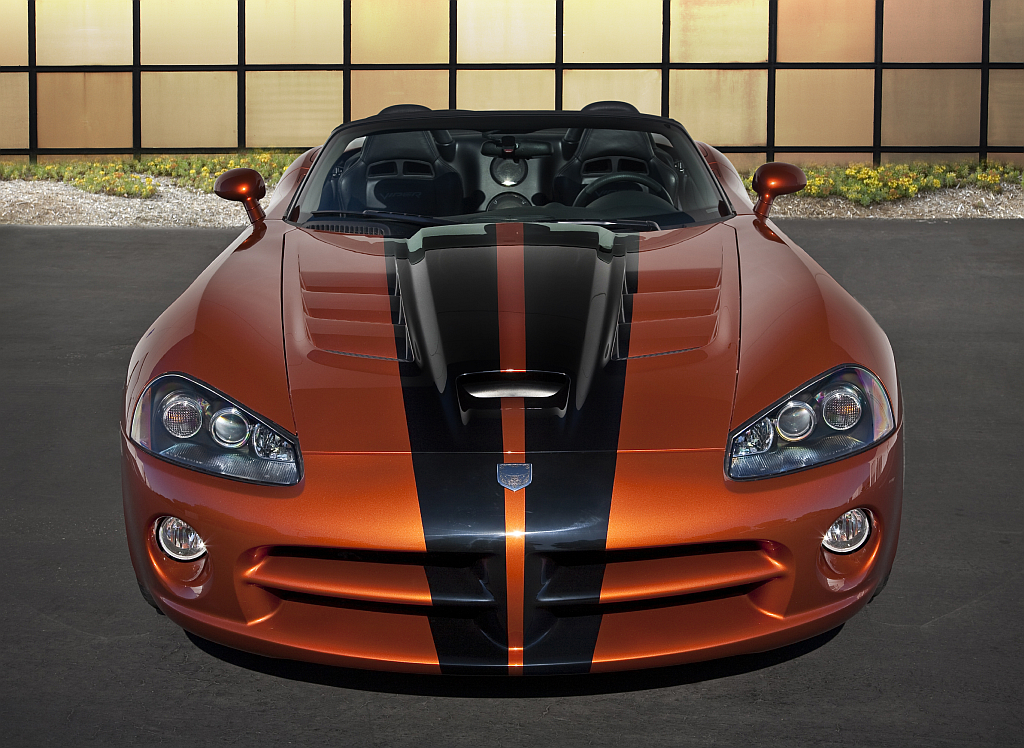
"It was a little crude in the past, and to a certain extent that was its appeal because you really needed to have your wits about you when you got behind the wheel to keep that thing on the road. And that thrill of driving a Viper was kind of unlike any other. I think it still will be a thrilling ride with respect to the new one but offer a few more creature comforts that people come to expect in a high-performance vehicle today," Bigland said.
If this worries any Viper fans, Bigland says don’t worry,
"Those who were attracted to the Viper in the past will certainly be attracted to this new Viper. Guaranteed!"
Source: Automotive News
Recommended Comments
Join the conversation
You can post now and register later. If you have an account, sign in now to post with your account.
Note: Your post will require moderator approval before it will be visible.