Skip to content
View in the app

A better way to browse. Learn more.

Cheers & Gears

A full-screen app on your home screen with push notifications, badges and more.

To install this app on iOS and iPadOS
  1. Tap the Share icon in Safari
  2. Scroll the menu and tap Add to Home Screen.
  3. Tap Add in the top-right corner.
To install this app on Android
  1. Tap the 3-dot menu (⋮) in the top-right corner of the browser.
  2. Tap Add to Home screen or Install app.
  3. Confirm by tapping Install.

Is There a Turbocharged V6 That Hyundai Is Working On?

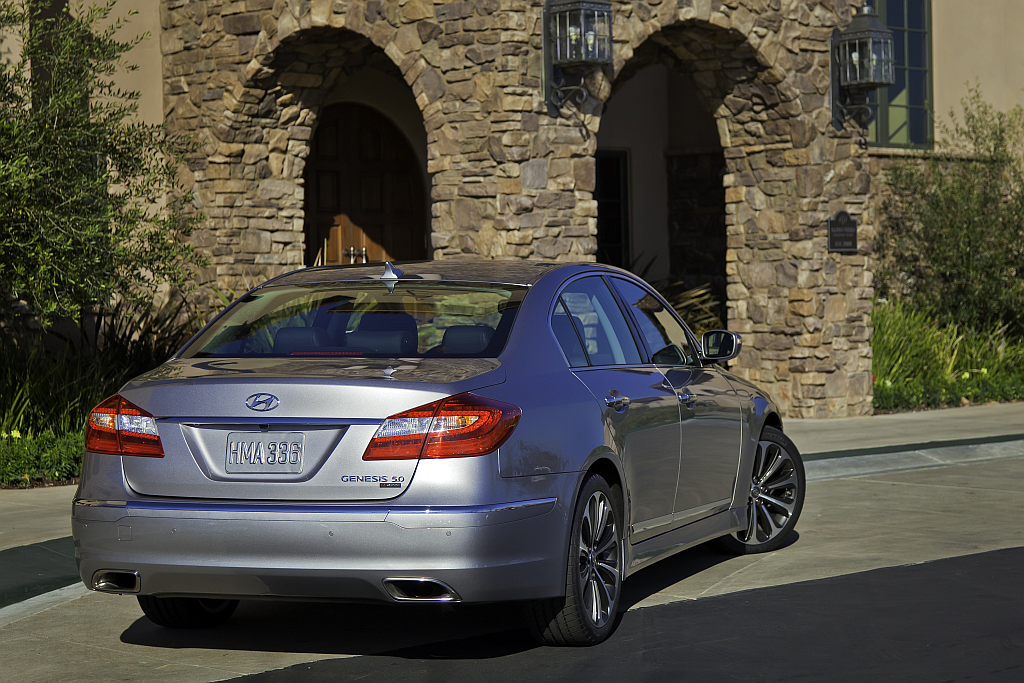
Hyundai is looking towards more turbocharging for their engines. Speaking at Hyundai’s product preview and engineering tech session, powertrain boss John Juriga said a turbocharged version of the company’s 3.8-liter V6 (offered in both the Genesis coupe and sedan) is a possibility for the future.

“The 3.8 is a contender for turbocharging for some high-output applications.”

Juriga went on to say that such an engine already exists and is undergoing testing. However, speaking with AutoGuide, Jurega said that the Hyundai engineering team is constantly exploring new engine options and that the existence of a prototype is no guarantee that such an engine will make it into production.
gallery_10485_267_1175228.png

Expanding on Juriga’s comments, HMA CEO John Krafcik said the automaker is currently at a crossroad with future engine plans for its high-performance and premium models. Krafcik referenced the two Genesis coupe concepts; one with a 5.0L V8 and one with a supercharged 3.8L V6. The two vehicles were built to generate feedback to see what people preferred.

Source: AutoGuide

User Feedback

Recommended Comments

smk4565

Members

The supercharged V6 seems likely, but Krafcik did say they were considering a 450 hp V8. A V8 in a Genesis coupe would be a tasty treat indeed. Perhaps they can do both, but that would be 4 engines for a coupe that doesn't have a lot of sales volume. Maybe they should just supercharge the V8 instead.

Join the conversation

You can post now and register later. If you have an account, sign in now to post with your account.
Note: Your post will require moderator approval before it will be visible.

Guest
Add a comment...

Account

Navigation

Search

Search

Configure browser push notifications

Chrome (Android)
  1. Tap the lock icon next to the address bar.
  2. Tap Permissions → Notifications.
  3. Adjust your preference.
Chrome (Desktop)
  1. Click the padlock icon in the address bar.
  2. Select Site settings.
  3. Find Notifications and adjust your preference.