


svz-07
Members
-
Joined
-
Last visited
-
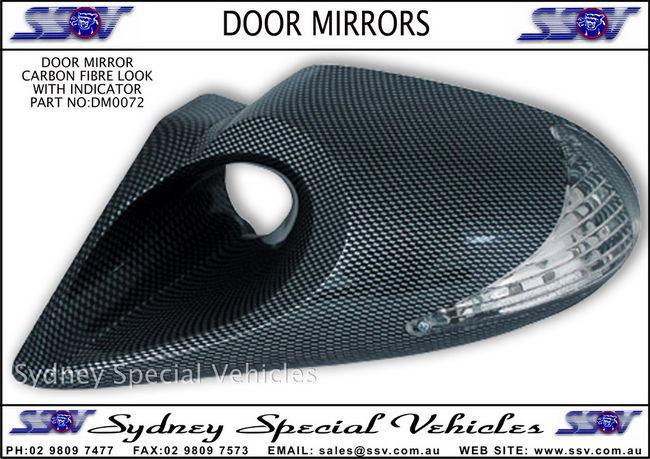
nice gto you got there,black looks good against the silver,set of new carbon fibre mirrors to go with black wheels and smooth the ones out in the front bumper would look tiday as
-
nice ride man u should get some track stripes on it would look horn

-
very nice, like the front end looks agressive
-
cheers guys,yer utes and wagons are the $h!,never owned a sedan nor do i plan to love me utes to much espicially in the wet cant see why gm didnt send em over years ago to you guys you reckon you'd have a strong enough market for em?
-
hope fully that works this is me svz plans to dump it soon and a exhaust system ,sounds like a electric motor scooter atm


-
couple pics of my old ute (white one) and new one (purple) the white one is a 1996 series 2 vs ute powered by a ecotec 3.8ltr v6 n/a 147kw 5spd the purple is my new ride a 2007 vz svz ute powered by a 3.6ltr allotec ly7 190kw n/a 6spd would like to do some engine mods but cant seem to find much info on the aftermarket parts for the ly7


