Skip to content
View in the app

A better way to browse. Learn more.

Cheers & Gears

A full-screen app on your home screen with push notifications, badges and more.

To install this app on iOS and iPadOS
  1. Tap the Share icon in Safari
  2. Scroll the menu and tap Add to Home Screen.
  3. Tap Add in the top-right corner.
To install this app on Android
  1. Tap the 3-dot menu (⋮) in the top-right corner of the browser.
  2. Tap Add to Home screen or Install app.
  3. Confirm by tapping Install.

Mississippi_lonewolf

Members
  • Joined

  • Last visited

Everything posted by Mississippi_lonewolf

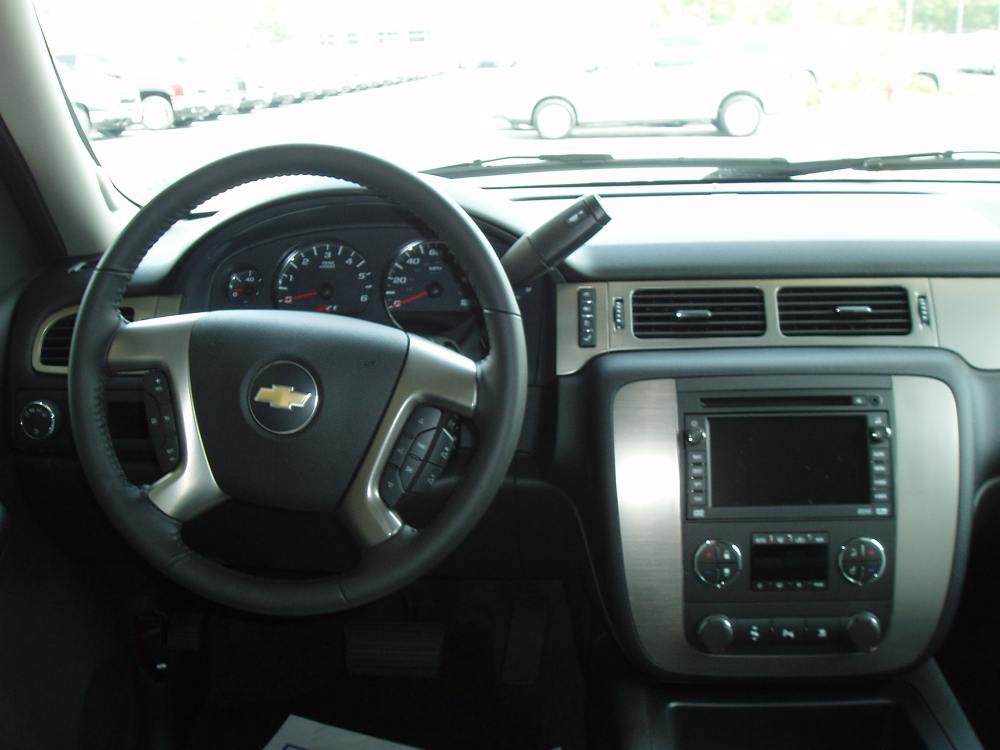
  1. Here are some more pics. you can also look at them on here http://www.chevyavalanchefanclub.com/cafcn...c,70468.20.html
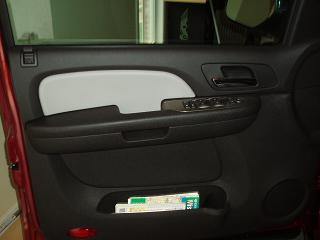
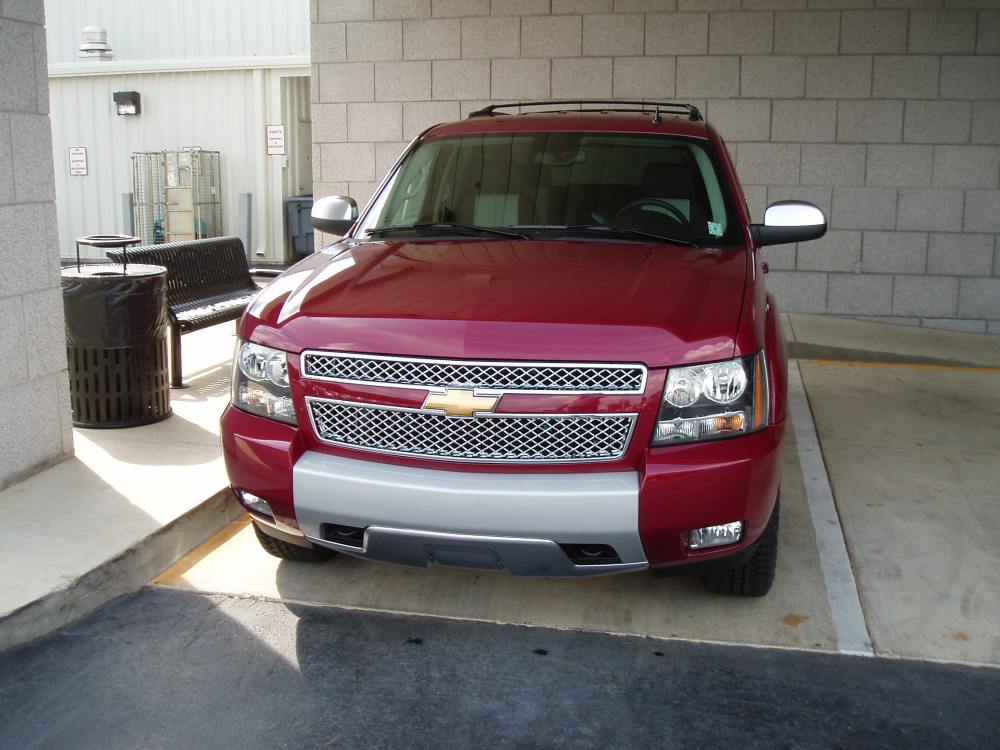
  2. I picked up my z71 today and it is a sweet ride
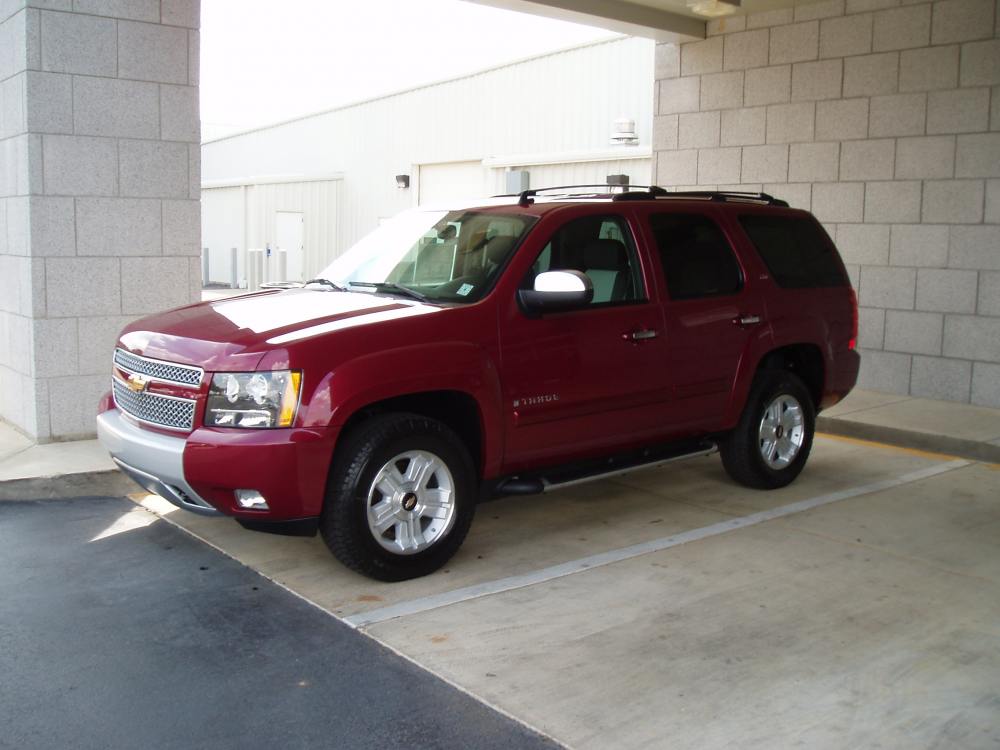
  3. here is a new pic gm has on it web site of the Z71
  4. I have heard that the Z71 has been put on hold. Does anyone know if that is true or not?
  5. I hope to get a price next week. What color does eveyone think will be the best looking
  6. Are there any more pictures out there of the new Z71
  7. What is taheo going to look like in the Antique Bronze ? I am not sure I what a red or black one

Account

Navigation

Search

Search

Configure browser push notifications

Chrome (Android)
  1. Tap the lock icon next to the address bar.
  2. Tap Permissions → Notifications.
  3. Adjust your preference.
Chrome (Desktop)
  1. Click the padlock icon in the address bar.
  2. Select Site settings.
  3. Find Notifications and adjust your preference.