


Cory Wolfe
-
Joined
-
Last visited
Everything posted by Cory Wolfe
-
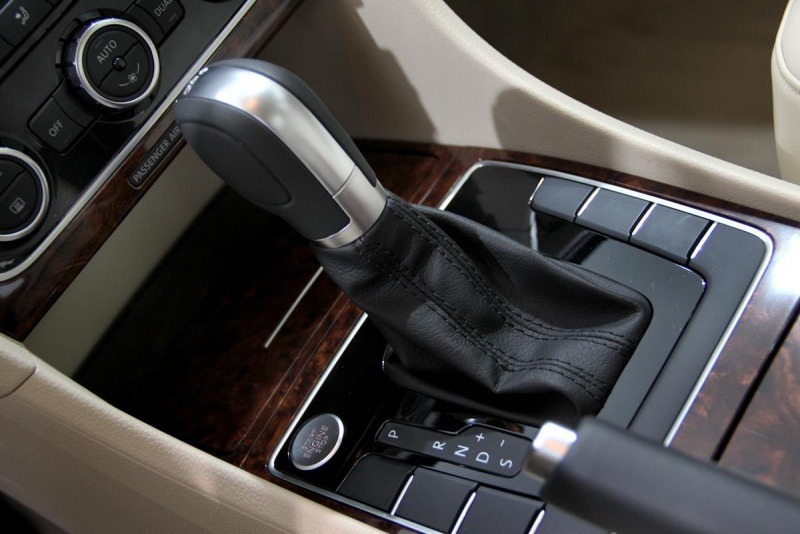
From the album: 2012 Volkswagen Passat
© © Cory Wolfe for CheersandGears.com
-
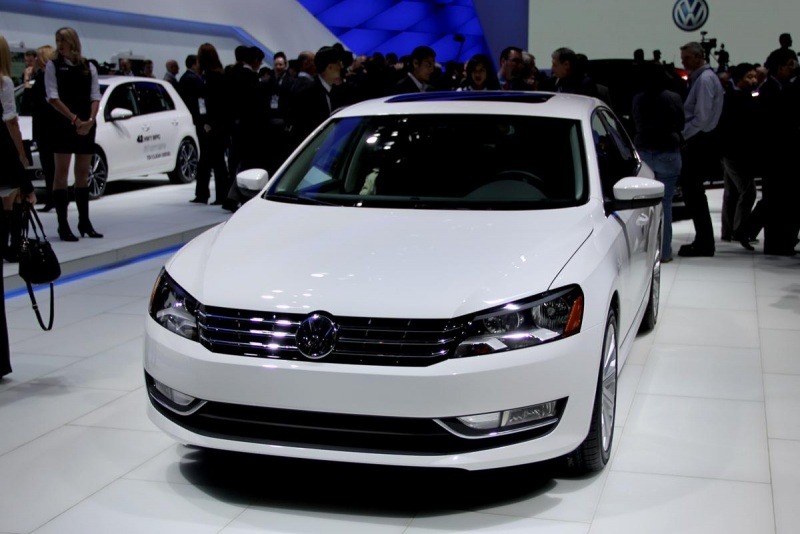
From the album: 2012 Volkswagen Passat
© © Cory Wolfe for CheersandGears.com
-
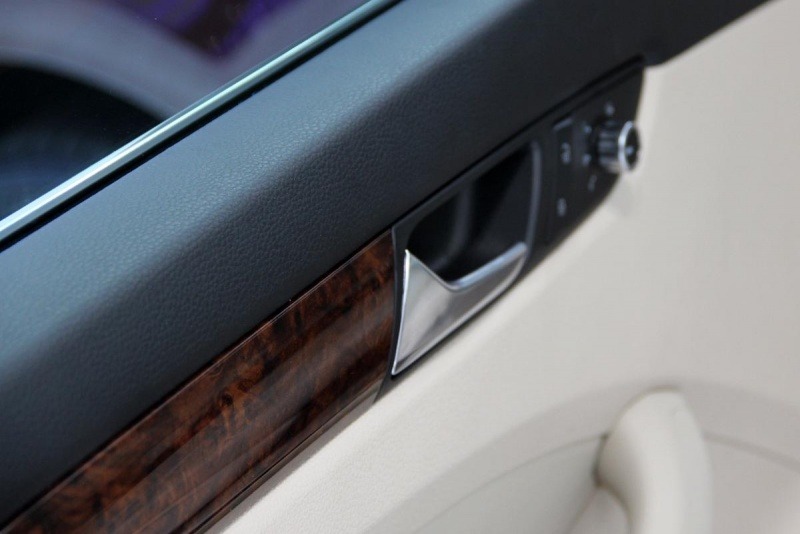
From the album: 2012 Volkswagen Passat
© © Cory Wolfe for CheersandGears.com
-
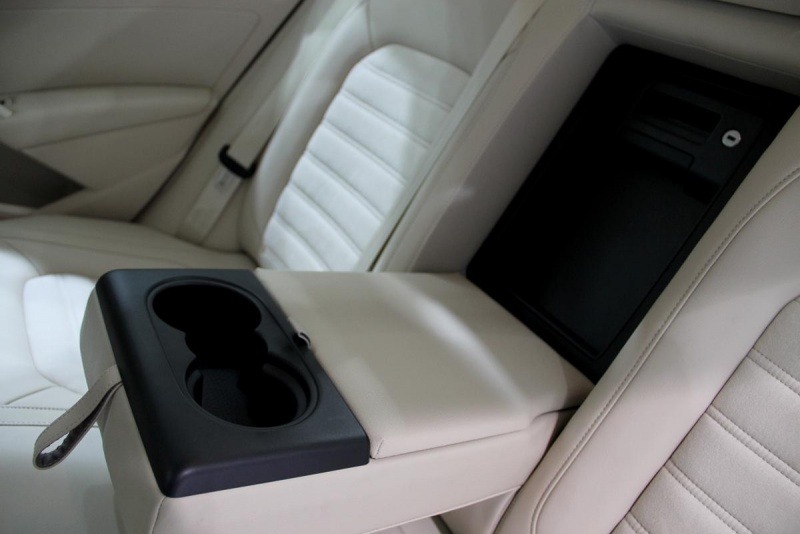
From the album: 2012 Volkswagen Passat
© © Cory Wolfe for CheersandGears.com
-
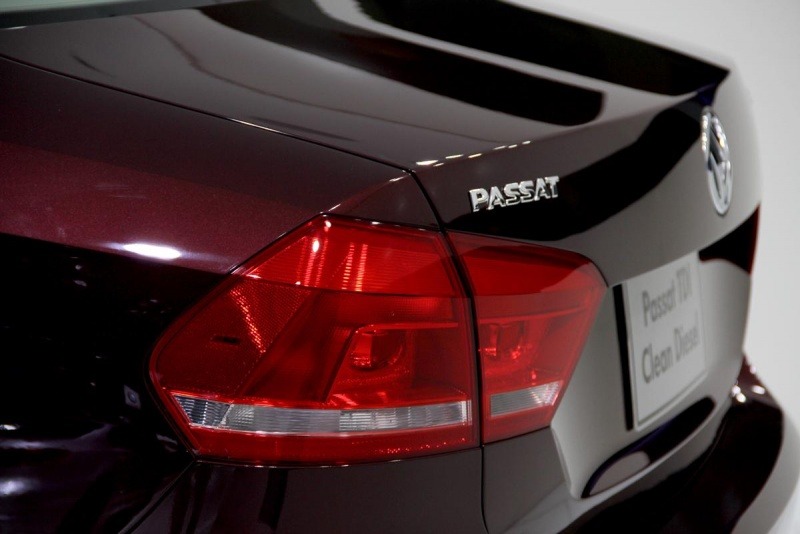
From the album: 2012 Volkswagen Passat
© © Cory Wolfe for CheersandGears.com
-
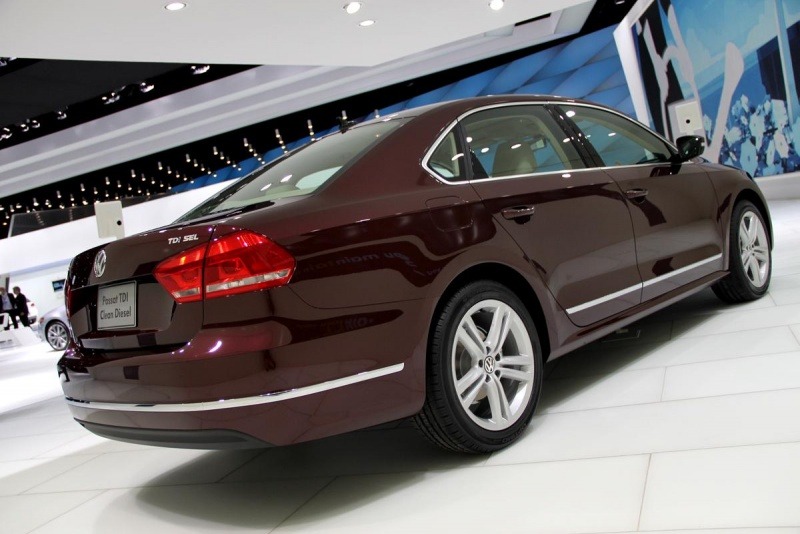
From the album: 2012 Volkswagen Passat
© © Cory Wolfe for CheersandGears.com
-
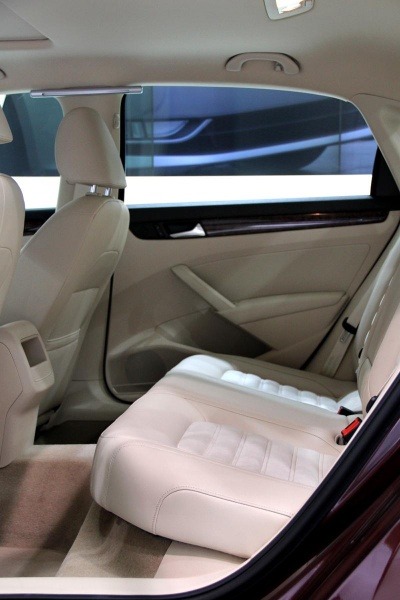
From the album: 2012 Volkswagen Passat
© © Cory Wolfe for CheersandGears.com
-
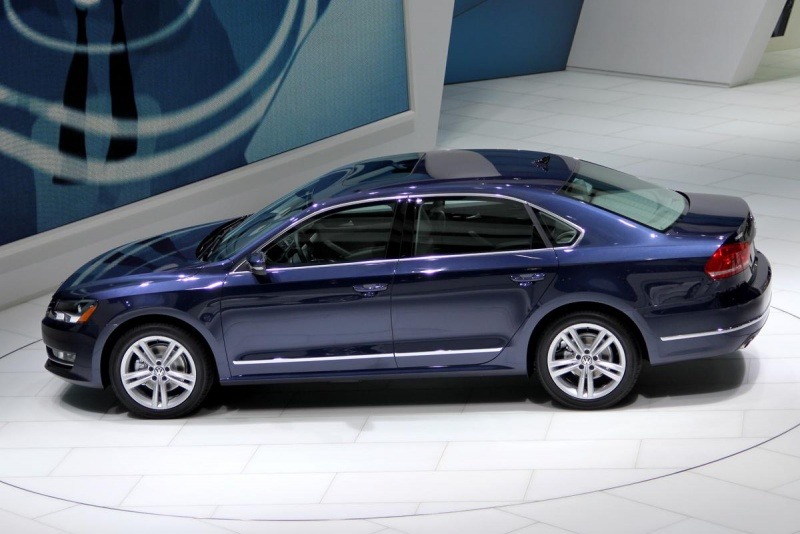
From the album: 2012 Volkswagen Passat
© © Cory Wolfe for CheersandGears.com
-
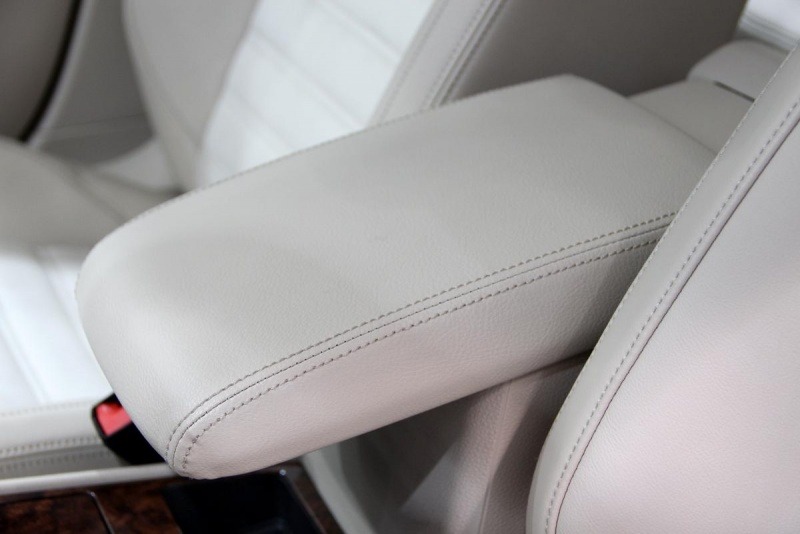
From the album: 2012 Volkswagen Passat
© © Cory Wolfe for CheersandGears.com
-
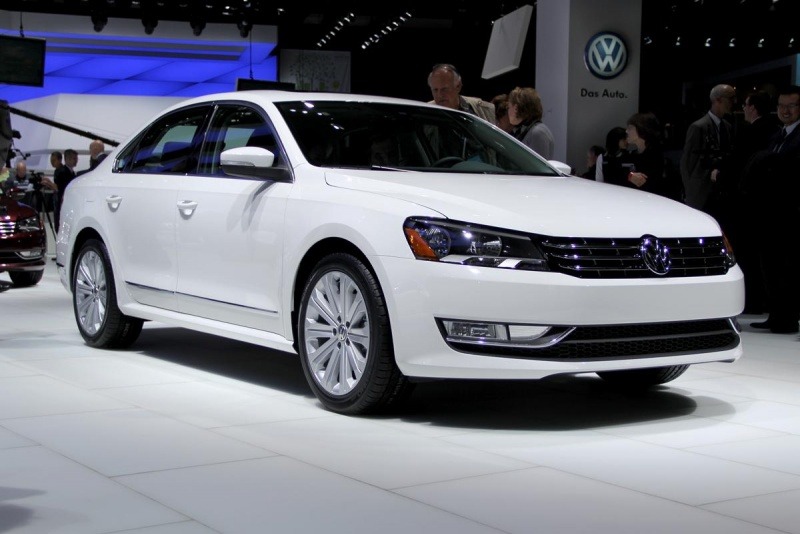
From the album: 2012 Volkswagen Passat
© © Cory Wolfe for CheersandGears.com
-
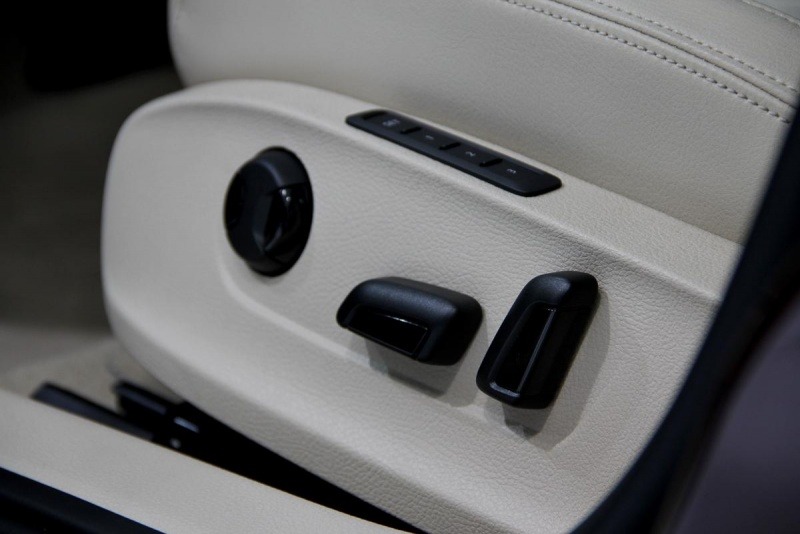
From the album: 2012 Volkswagen Passat
© © Cory Wolfe for CheersandGears.com
-
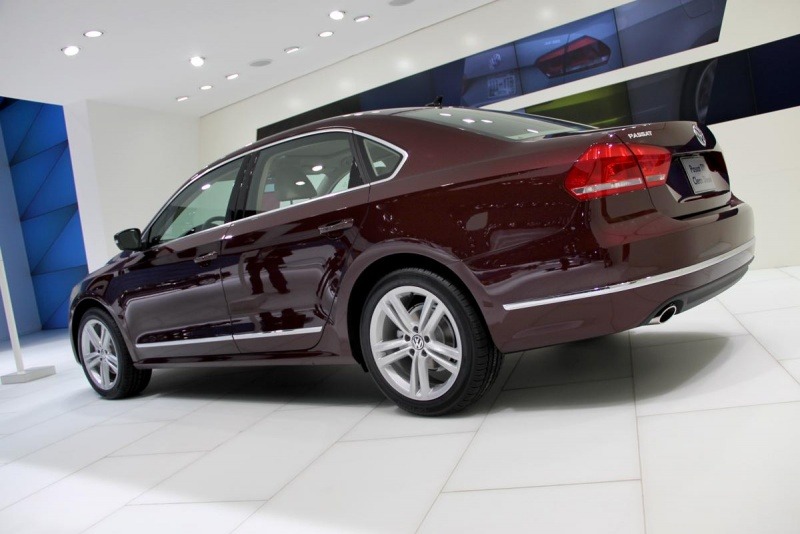
From the album: 2012 Volkswagen Passat
© © Cory Wolfe for CheersandGears.com
-
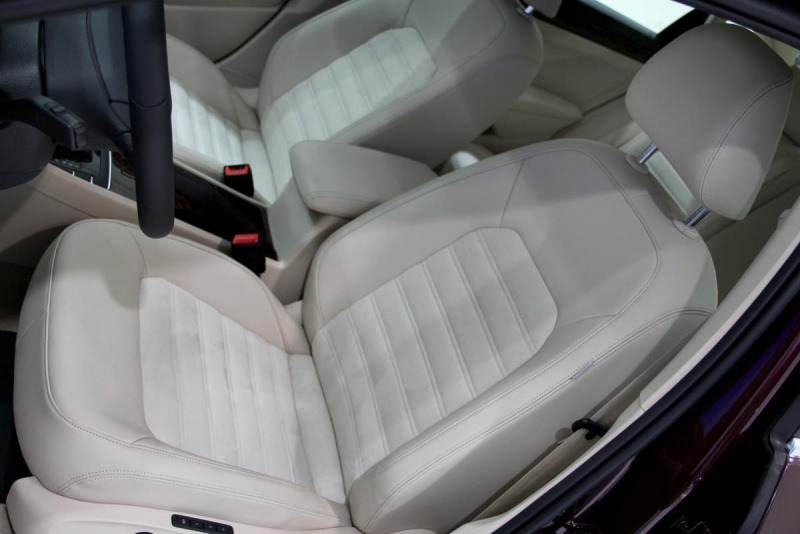
From the album: 2012 Volkswagen Passat
© © Cory Wolfe for CheersandGears.com
-
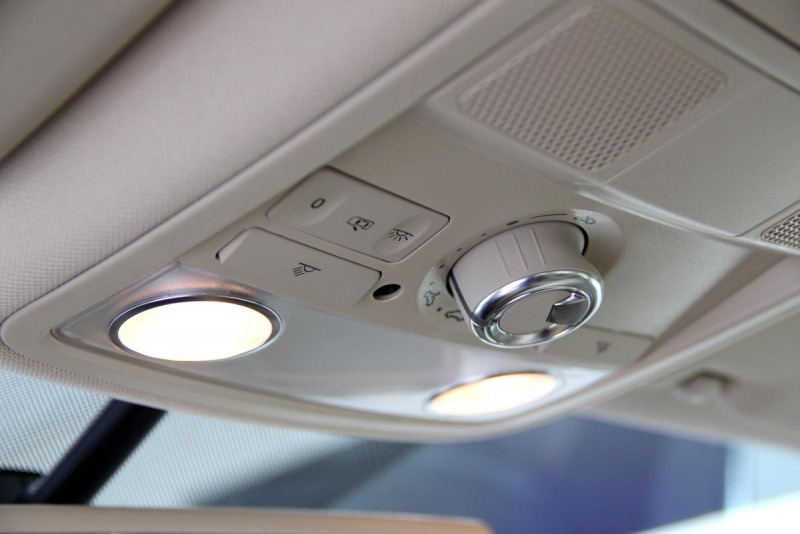
From the album: 2012 Volkswagen Passat
© © Cory Wolfe for CheersandGears.com
-
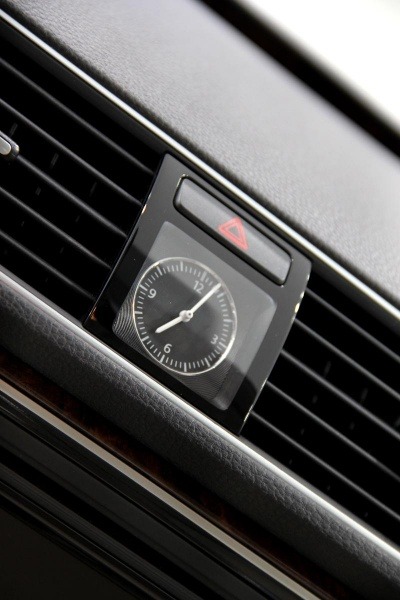
From the album: 2012 Volkswagen Passat
© © Cory Wolfe for CheersandGears.com
-
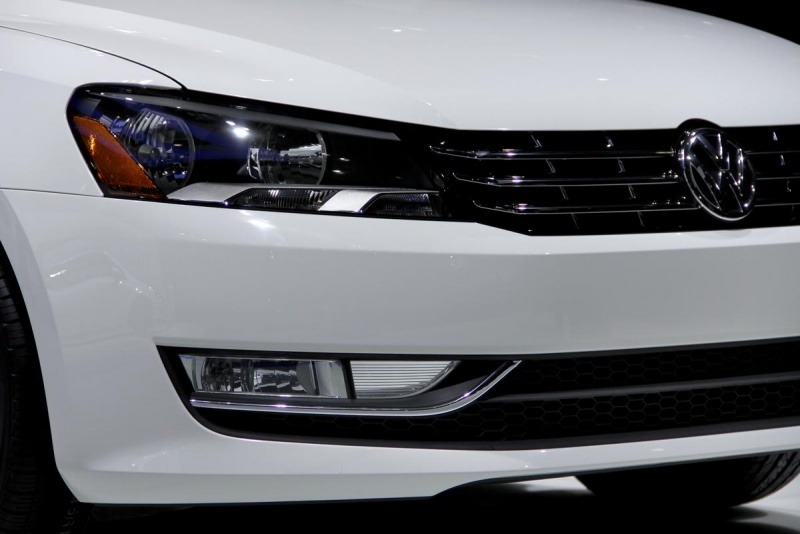
From the album: 2012 Volkswagen Passat
© © Cory Wolfe for CheersandGears.com
-
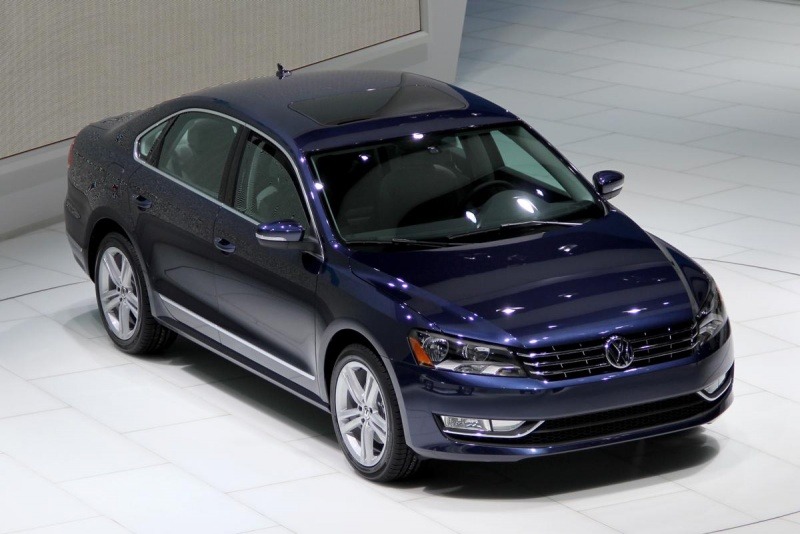
From the album: 2012 Volkswagen Passat
© © Cory Wolfe for CheersandGears.com
-
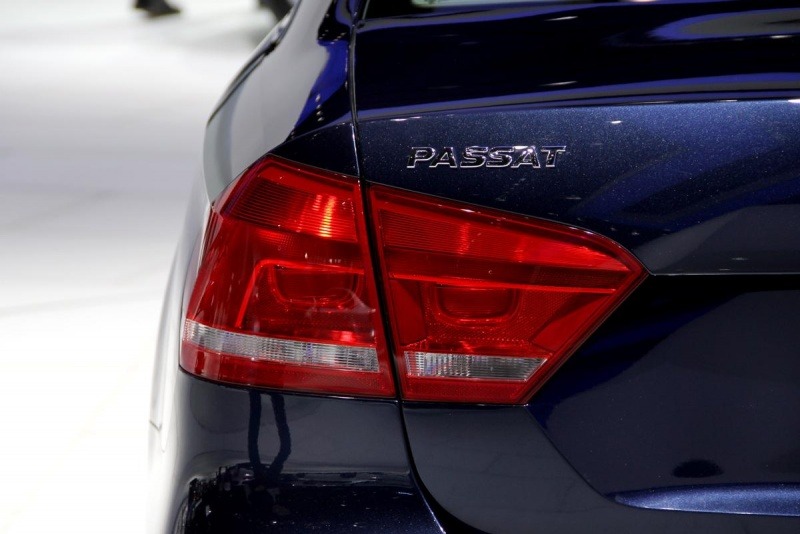
From the album: 2012 Volkswagen Passat
© © Cory Wolfe for CheersandGears.com
-

From the album: 2012 Volkswagen Passat
© © Cory Wolfe for CheersandGears.com
-
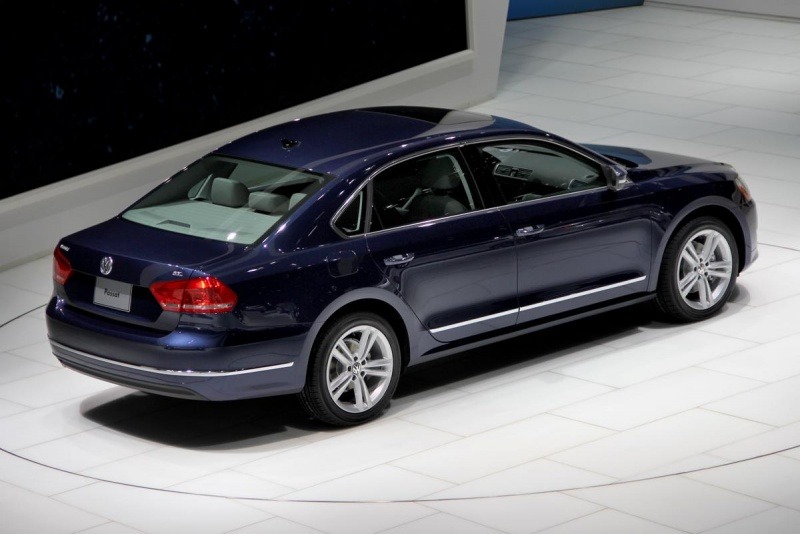
From the album: 2012 Volkswagen Passat
© © Cory Wolfe for CheersandGears.com
-
-
-
My exact first day as a member was December 28th, 2003, by memory. I had lurked for a few months before officially joining.
-
Yes, it was outside, under the huge Mercedes SLS billboard. Due to the weather, I'd be surprised if anyone wondered over to it.
-
I'm 11 months behind sNOSage.

