


ocnblu
Members
-
Joined
-
Last visited
Everything posted by ocnblu
-
Just the finest ever...
-
-
-
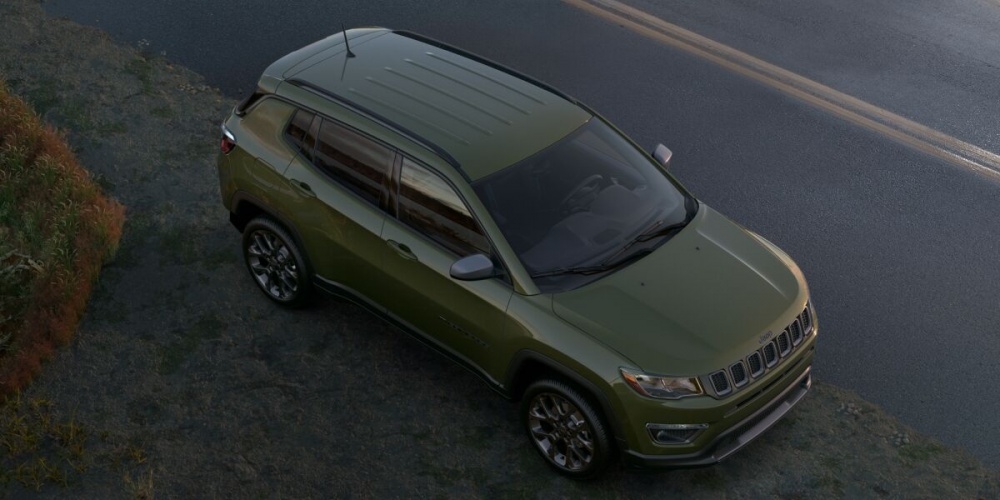
2021 Jeep Compass 80th Anniversary Edition in Olive Green Pearl! ❤️
-
Dude that's how I say it. VE-hickle. It's cool.
-
Those cable hoist spare tire mechanisms have been a problem since they started using them many yerrs ago. Especially in salt climes. Not sure if going through the motions of operating it at least once a year and greasing the hell out of the cable while down would help. It wouldn't help the condition of the rim, surely.
-
-
-
-
-
-
Whitewater rafting
-
The Stinger is RWD/AWD, IIRC it shares a platform with the Genesis G70. Stinger is like a Korean Charger, it is a cool outlier.
-
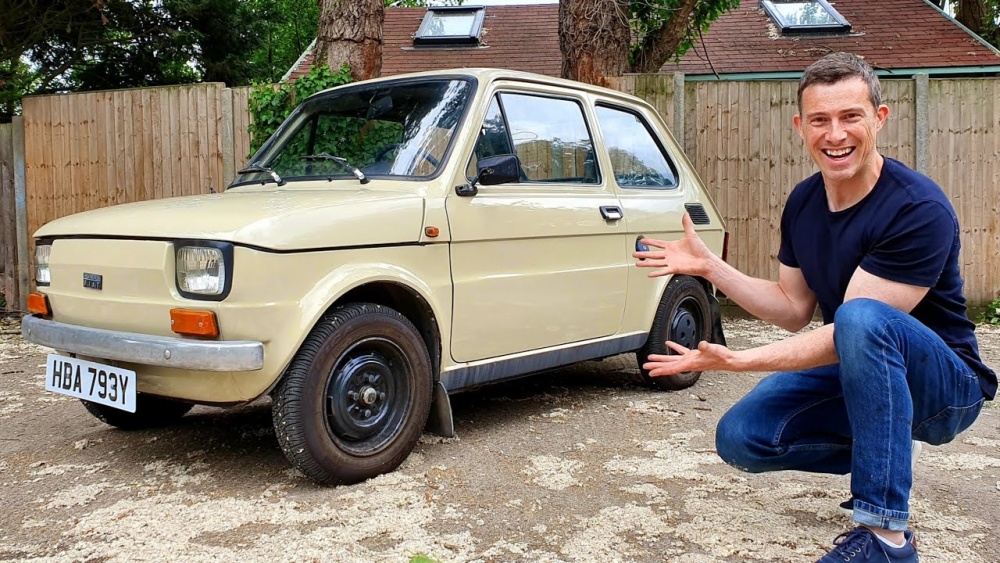
Except the FIAT 126 came out in 1972, so it predates the Golf...
-
-
While the K5 name is not Optimal, it is a good looking car inside and out. GM, Ford and Chrysler have given up on too many segments, while the Koreans just keep plugging away, winning customers. This is a neat little car, comes with a lot of stuff (including nav) for about $25k, plus that famous long-ass warranty.

-
-
I have met several Korean War veterans who swear by their Hyundais. The South Koreans have been our friends.
-
Still more cheerful than the Vulva and Break My Wallet it's nestled between!
-
You're right, we need one!
-
-
-
-
-


